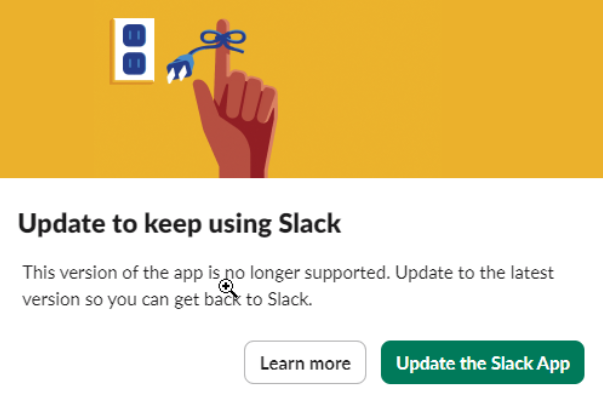
If your organization uses Slack for internal or external communication, you’ve already chosen a powerful, flexible tool for messaging, collaboration, and quick decision-making. Like any frequently updated platform, Slack occasionally requires application upgrades to keep performance, security, and features current. In theory, the update process is straightforward—and Slack does provide detailed instructions on their website—but in practice we’ve seen the upgrade process behave inconsistently and, at times, not work as intended even when those steps are followed exactly. Because Slack can be so central to day-to-day operations, it’s worth treating updates as a planned change rather than a quick click-through, especially if uninterrupted access is critical for your team.
If you are a Hybridge client, please call us, and we’ll be happy to upgrade your Slack application properly and help ensure uninterrupted service. We can also help watch for a specific issue we’ve encountered during upgrades: some users have reported receiving invitations that appear to come from outside their intended workspace. If this happens to you, please let us know right away—if you’re being asked to join someone else’s workspace, it may also indicate that others could be prompted to join yours, which can introduce unnecessary access risk and compromise your security. This is due to a new added “feature” that allows people to connect to external workspaces, and the default setting after the upgrade is “on”. We can help you reset the settings to keep your workspace private. When in doubt, pause the upgrade flow and contact our team so we can verify what you’re seeing before you proceed.
Share this blog: